
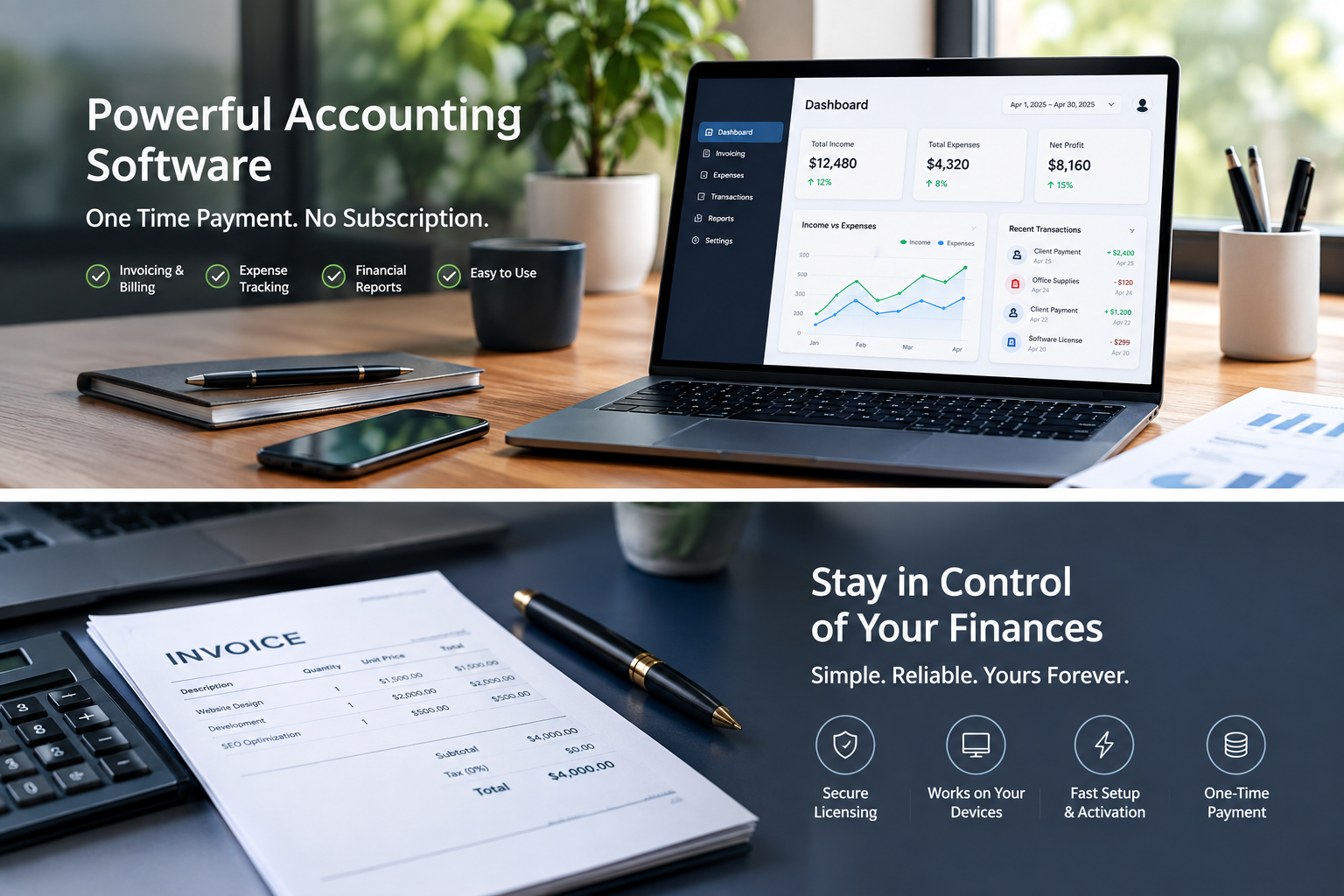
Accounting software without a subscription can suit a business that wants predictable costs and only needs a modest set of bookkeeping tools. But the payment model is only one part of the decision. You also need a system you can use reliably, recover after a computer failure, and share with your accountant.
Start by separating three possibilities: a free application, software sold with a perpetual licence, and subscription software installed on your computer. A desktop installation alone does not tell you which payment model applies.
Define the work before comparing the price
Write down a normal month of bookkeeping. How many customer invoices do you issue? How many bank and card accounts do you reconcile? Do you carry stock, take deposits, or invoice in more than one currency? Include the work somebody else does for you, such as preparing reports at quarter end.
For a one-person service business, the essential workflow may be recording sales, tracking expenses, matching payments and reviewing outstanding invoices. A retailer may need stock records and a reliable way to separate sales, fees and refunds. Those are different buying decisions even when both owners want to avoid subscriptions.
Compare the available approaches
| Approach | Why consider it | What to check |
|---|---|---|
| Spreadsheet | Flexible for a small, simple transaction list | Formula controls, reconciliation and reporting workload |
| Free desktop application | No recurring software fee for the core application | Learning curve, file sharing and backup responsibility |
| Perpetually licensed software | Potentially predictable cost for a specified version | Actual licence entitlement, activation, support and reinstall terms |
| Cloud free tier | Browser access with a limited starting cost | Feature limits and paid services you may need later |
GnuCash is one example of a free accounting application; consult its official website to assess it. For a cloud comparison, Wave advertises a $0 Starter plan, with paid options and transaction charges described on its pricing page. Check current availability for your location.
Calculate a realistic three-year cost
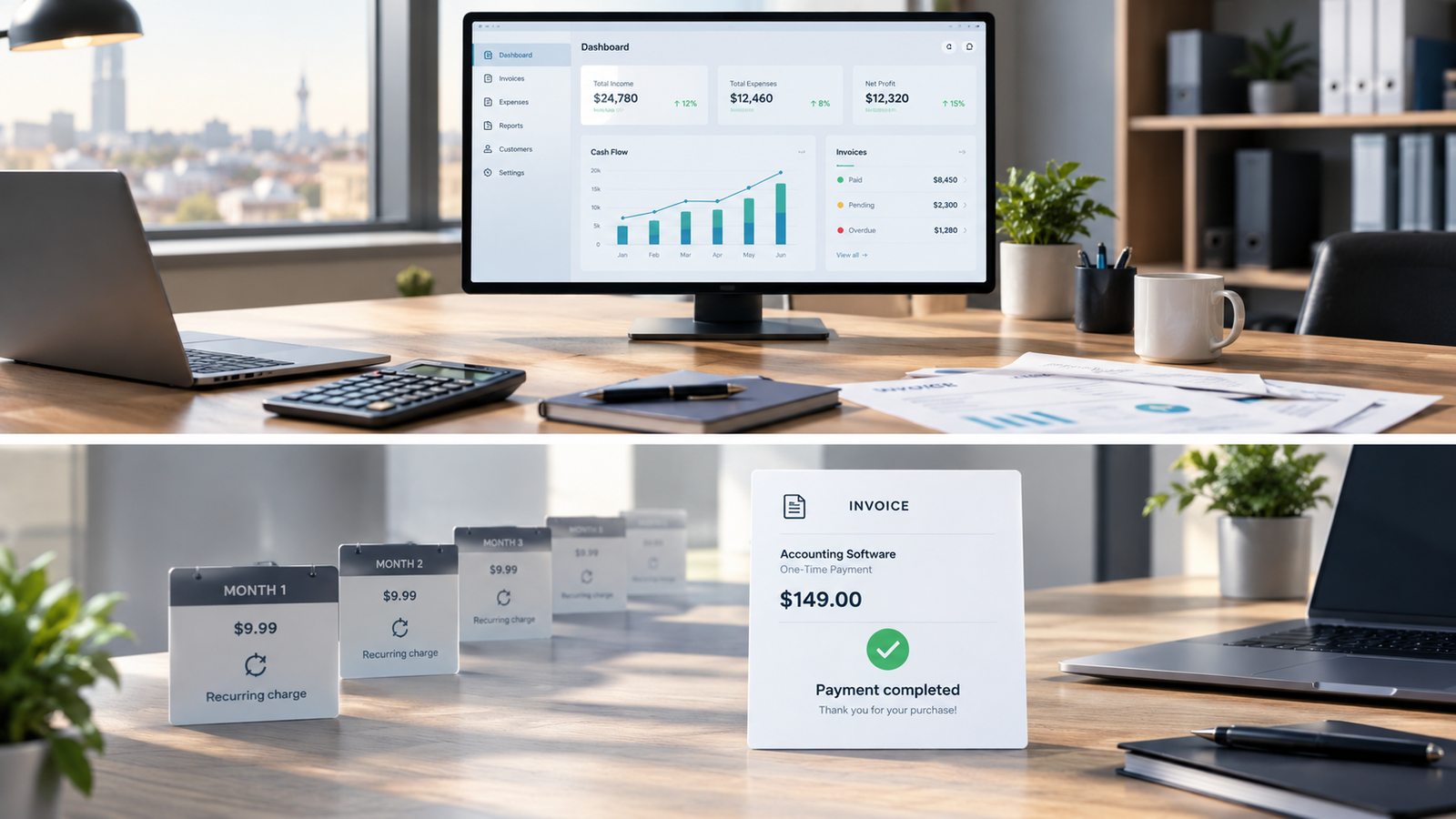
Use the same time period for every option. Include the initial software cost, any renewals, setup help, data conversion, backup storage and expected support. Add the value of extra time spent entering transactions manually. Keep payment-processing charges separate so you do not mistake them for software fees.
For illustration, a hypothetical $20 monthly plan costs $720 over 36 months before extras. A hypothetical $150 licence plus $60 a year for backup costs $330 over the same period. However, an extra hour of work each month valued at $25 adds $900. These are example figures, not vendor quotes; they show why a lower licence price can still produce a higher operating cost.
Ask for answers in writing
Before buying, confirm the exact edition, country version, operating system, number of permitted users and devices, and what happens when you replace your computer. Ask whether activation depends on a separate account or subscription. Keep the seller’s answer with your receipt and licence documentation.
Read lifetime claims carefully. Establish whether the claim concerns use of one version or also includes updates and services. Do not assume a reseller’s description establishes the publisher’s licence rights. If the supplied entitlement remains unclear, resolve it before paying.
Run a small workflow test
Using a trial or sample company where available, enter an invoice, a partial payment, an expense and a refund. Reconcile a short statement and export a report your accountant can read. Then test a backup and restore. A program that handles those ordinary tasks clearly is more useful than a long feature list.
If you are comparing a Windows option, review the featured US Desktop product’s exact terms and compatibility. Payroll is not included. For a broader starting point, read our guide to reducing bookkeeping software costs.
Leave a Reply